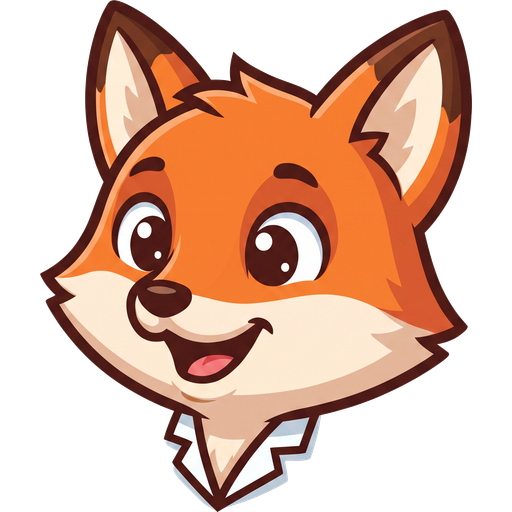
How to build a set of mascot poses and expressions
One image is not a mascot. Which poses an app actually needs, what order to make them in, and how to stop the set drifting as it grows.
Updated 19 August 2026
One image is not a mascot
A single illustration cannot do the job, because the job is reacting. The character has to look pleased when something worked and sympathetic when it did not, and one static pose used everywhere reads as a sticker rather than as a personality.
This is where most AI generated mascots fail. Generating one good image is easy now. Generating the eleventh image that is unmistakably the same character is the hard part, and it is the part that decides whether you have a mascot or a folder of lookalikes.
Start by locking one character
Generate the character once, judge it properly, and only then start making poses. Everything after this point is produced against that locked design rather than against your description, which is what stops the fifth pose being a slightly different animal from the first.
Spend the time here. It is much cheaper to reject a character before you have ten poses of it than after, and a locked design you are lukewarm about will bother you on every screen it appears on.
What to check before locking
- Does it read at small sizes, not just at full resolution
- Is the silhouette distinct enough to recognise without colour
- Does the face have room to change expression
- Would it still look right in a serious moment, like a failed payment
The poses most apps actually need
Start with the moments your app already has rather than with poses that sound fun. In practice almost every product needs the same handful, and you can name them by walking through your own screens.
- Welcoming, for first run and onboarding
- Pleased, for a completed action or a success screen
- Waiting or searching, for loading and for genuinely empty states
- Apologetic, for errors and for anything that failed
- Thinking, for anywhere the product is working on something
- Pointing or presenting, for tooltips, tours and feature callouts
Six poses covers most of an app. Resist making more until a screen actually asks for one, because a set you generated speculatively is a set you have to keep consistent for no benefit.
Props are how a pose becomes specific
A character holding nothing can only express mood. A character holding the thing your product is about can express what is happening. A wrench for a settings screen, an envelope for an empty inbox, a key for a locked feature.
Generate the prop separately and keep it, rather than describing it inside each pose. The same object drawn fresh every time will not match itself, and a wrench that changes shape between two screens is more distracting than no wrench at all.
Two characters in one scene
Some moments need more than one character: a referral screen, a team feature, anything about collaboration. A pose can hold two mascots, which is how you get a scene rather than two separate illustrations placed next to each other.
The thing to watch is that both characters keep their own design. When two similar characters appear together, generators tend to blend them, and you end up with two versions of the same animal rather than the two you locked.
Animate last, and only some of them
Animation belongs at the end, once the still poses exist and you know which ones people actually see. A loop is worth making for a moment users hit often and wait through, like an empty state or a long operation.
It is not worth making for a moment users pass in half a second. Motion on a screen someone sees fifty times a day stops being charming quickly, and the animation guide covers where the line usually sits.
Keeping the set coherent as it grows
The failure mode is gradual. No single pose looks wrong, but the tenth one is a slightly different character from the first, and by then the earlier screens look dated against the newer ones.
The defence is boring and it works: every new pose comes from the locked character, never from the description that produced it, and never from a previous pose that was itself close but not exact. Small drifts compound, and each one becomes the reference for the next.
Next
- How to generate app mascots in Claude Code
- How to keep an AI character consistent across every image
- How to describe a mascot so the AI gets it right
- Can you use an AI-generated mascot commercially?
- How to animate a mascot for your app's UI
- Where to use a mascot in your app
- Mascot or logo: which does your app need?
- How to keep a character consistent
- When to animate a mascot
- Start with your own character